

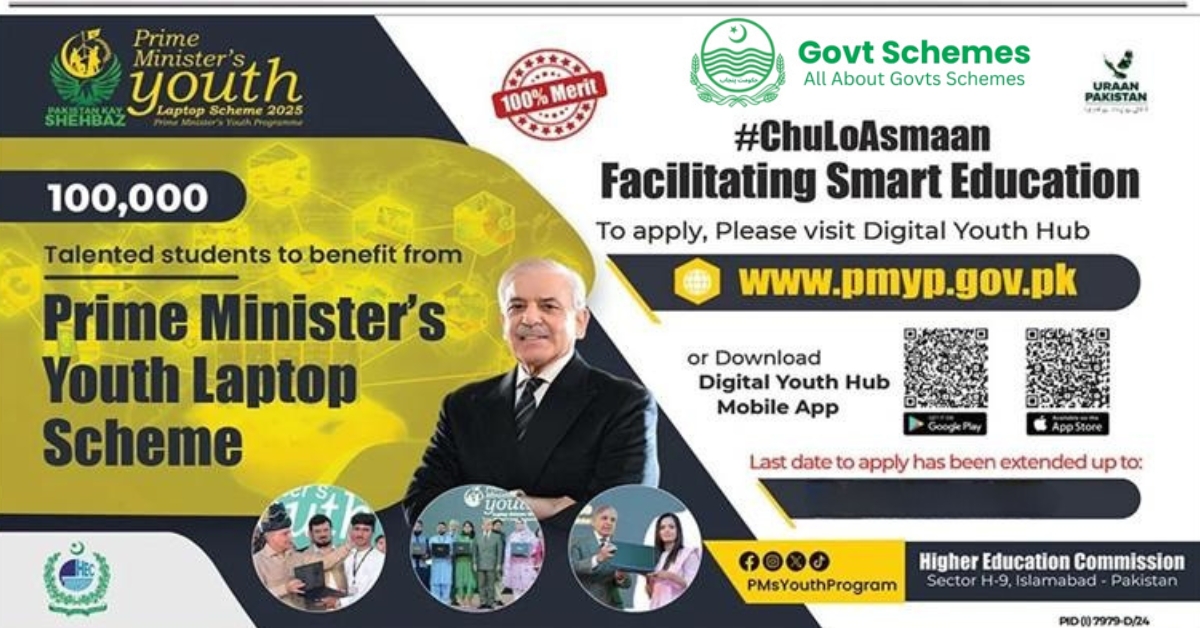
The Punjab Laptop Scheme 2026 also known as the PM Laptop Scheme Phase 4 is a major step by the government of Pakistan to support students with modern technology. Under this scheme, free laptops are given to deserving students from public universities and colleges.
The main purpose of this program is to reduce the digital divide between students who can afford laptops and those who cannot. With a laptop in hand, students can easily attend online classes, do research, prepare assignments and improve their digital skills. In short, the scheme is not only about giving a free laptop but about giving students a chance to compete in today’s digital world.
If you want to get instant Prime minister youth loan, read our complete guide.
What is the PM Laptop Scheme Phase 4?
The PM Laptop Scheme Phase 4 (CM Punjab Laptop Scheme 2026) is a government project to provide modern laptops to talented students free of cost. It is managed by the Higher Education Commission (HEC) and is fully funded by the government.
Through this scheme, students will get access to technology that helps them in their studies, research and professional growth. For many students, this will be the first time they own a personal laptop, a tool that can completely change their learning journey.
Benefits of the PM Laptop Scheme 2026
The PM Laptop Scheme 2026 comes with many benefits, including:
- Free of Cost Modern Laptops – Students get a high-quality laptop without any cost.
- Merit-Based Selection – Only deserving and hardworking students will be selected.
- Better Access to Education – Laptops allow students to attend online classes, watch lectures and access research material.
- Digital Literacy – Students learn digital skills that are important for jobs and future opportunities.
- Career Growth – A laptop gives students a chance to explore online earning, freelancing and professional courses.
Key Features of PM Laptop Scheme Phase 4
Here are some important features of the scheme:
- Program Type: Government-sponsored education program
- Cost: 100% Free laptops for selected students
- Selection Method: Transparent and merit-based
- Target Audience: Students of public universities and government colleges
- Main Goal: To improve education and develop digital skills in youth
Eligibility Criteria for PM Laptop Scheme 2026
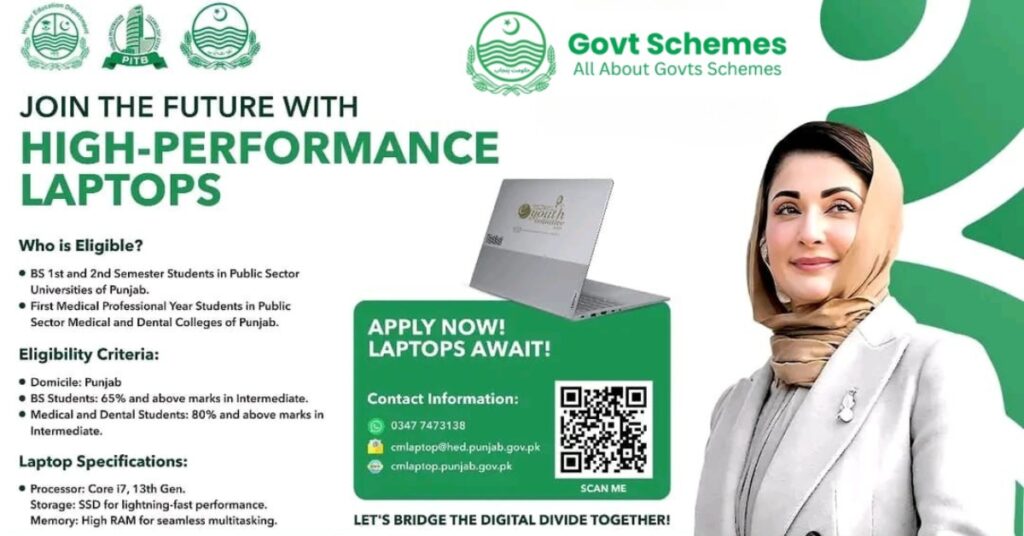
Not every student can apply in this scheme. To be eligible, you must meet the following conditions:
- You must be a student of a public university or government college.
- Students from PhD, MS/MPhil and Undergraduate (BS/Master’s) programs are eligible.
- You must have good academic performance (CGPA or percentage of marks as required).
- Private university students are generally not eligible.
- If you already received a laptop in a previous phase, you cannot apply again.
Required Documents for Application
When applying, make sure you have these documents ready:
- Valid CNIC (Computerized National Identity Card)
- Student ID Card or university enrollment proof
- Academic transcripts or mark sheets
- Updated contact number and email.
How to Apply for PM Laptop Scheme Phase 4
Applying for the PM Laptop Scheme 2026 is easy through an online portal. Follow these steps:
- Visit the HEC Official Portal – Go to the Higher Education Commission’s (HEC) official website.
- Register or Update Profile – If you are a new user, register your profile. If you applied in previous phases, log in and update your details.
- Fill the Application Form – Enter your personal details, academic record and university information.
- Upload Documents – Scan and upload your CNIC, student ID, transcripts and other required documents.
- Review and Submit – Check your information carefully before submitting, as mistakes may lead to rejection.
Note: We are pleased to inform you that the Prime Ministers Laptop Scheme Phase 4 2026 Registration Is Closed.
Deadline for Registration & Laptop Distribution
The government has announced the laptop distribution deadline. Students must complete their registration before the closing date.
- The PM laptops will be distributed from Oct 31, 2026
- The distribution will continue in different phases after this date across Punjab.
So, students are advised to apply early and not wait until the last date.
Laptop Distribution Process
After applications are verified, the government will publish a merit list. Laptops will be distributed according to the list.
- Students will receive an SMS or email notification.
- Selected students must visit their college/university campus.
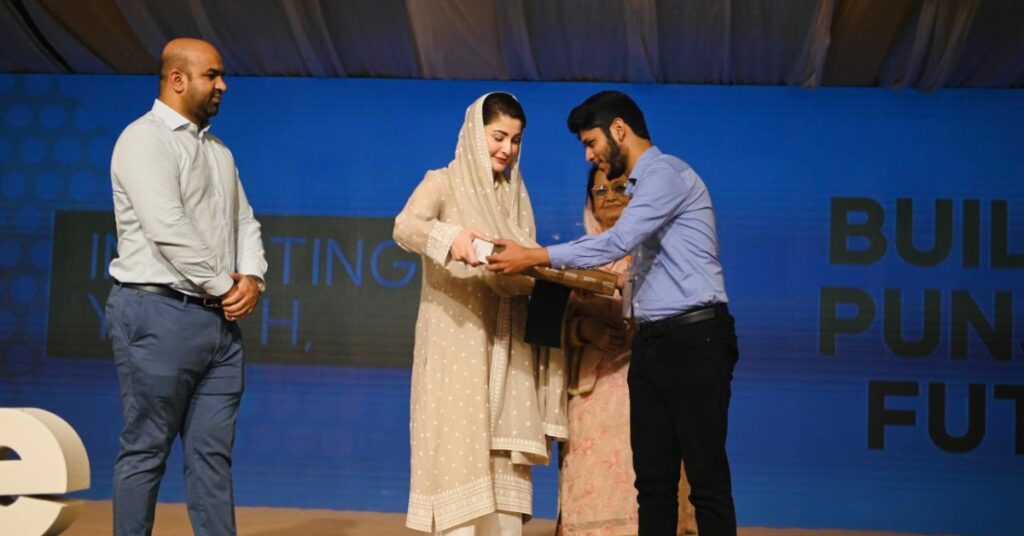
- Laptops will be given in a special distribution ceremony.
- Students must bring their original CNIC/B-Form for verification.
Why This Scheme is Important for Students in Pakistan
The PM Laptop Scheme Phase 4 is not just about free laptops, it’s about building a brighter future for students in Pakistan. Here’s why it matters:
- It bridges the digital gap between rich and poor students.
- It provides equal opportunities for education to all.
- It supports online learning, research and skill development.
- It improves employability by giving students digital tools to compete globally.
Imagine a student from a small town who cannot afford a laptop but he/she is brilliant in studies. This scheme gives such students the same chance to succeed as anyone else.
Checking Prime Minister Laptop Scheme Application Status
After applying, you can check your application status on the HEC portal. It will show whether your application is:
- Submitted successfully
- Under review
- Verified by your university
- Selected or Not Selected
Always keep checking your prime minister laptop scheme application status to stay updated.
Tips for a Successful Application
Here are some tips to increase your chances:
- Enter correct personal and academic information.
- Upload clear scanned copies of documents.
- Apply before the deadline.
- Regularly check your prime minister laptop scheme status online.
Conclusion
The PM Laptop Scheme Phase 4 is a golden chance for students in Pakistan to get free laptops and move forward in their education. The government’s aim is to support the youth, develop their skills and prepare them for a digital future.
If you are eligible, don’t wait. Apply today, prepare your documents and make sure you don’t miss this opportunity. A free laptop could open the doors to countless opportunities for your studies and career.
Frequently Asked Questions
What is the main aim of the PM Laptop Scheme Phase 4?
The aim is to provide free laptops to deserving students, promote digital learning and bridge the digital divide.
Who can apply for this scheme?
Students from public universities and government colleges enrolled in PhD, MS/MPhil and BS/Master’s programs.
How can I check my application status?
You can log in to the HEC portal and check your prime minister laptop scheme application status anytime.
Can private university students apply?
No, private university students are generally not eligible.
If I already got a laptop in a previous phase, can I apply again?
No, previous recipients cannot apply again.
