

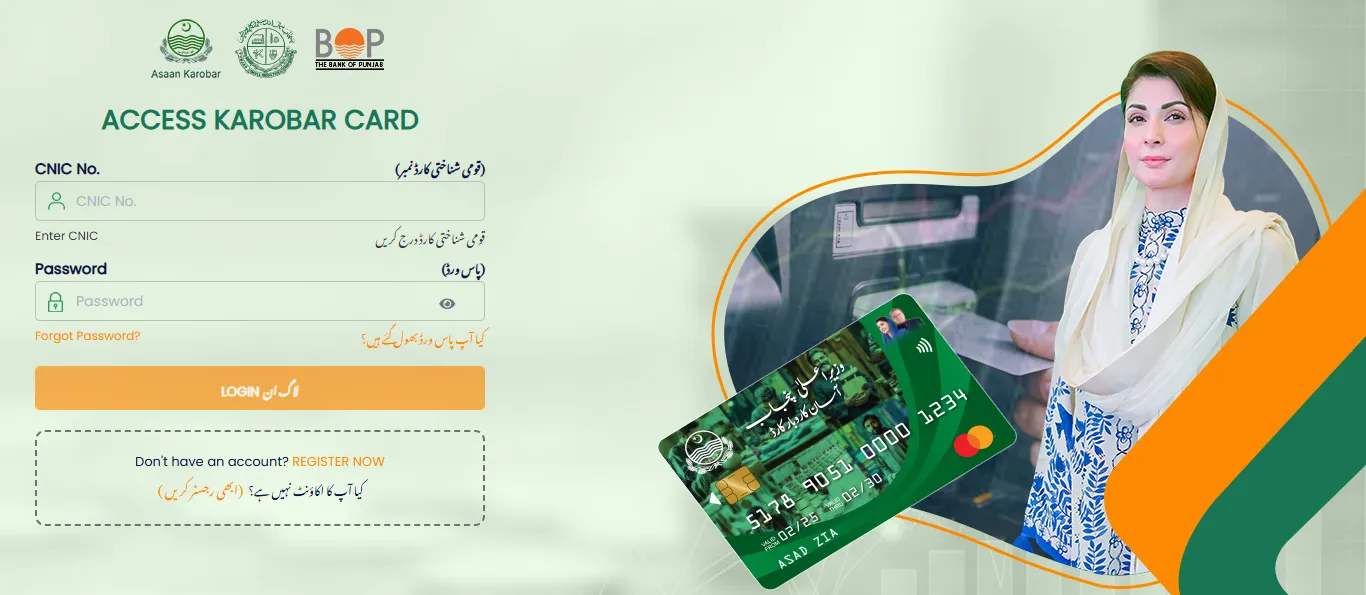
Asaan Karobar Card Status Check process helps applicants track their loan application under the Asaan Karobar Finance Scheme launched by the Government of Punjab. This program was introduced under the leadership of CM Punjab Maryam Nawaz Sharif to help young entrepreneurs start and grow small businesses through interest-free financial support. Under asaan karobar finance, eligible applicants can receive up to 10 lacs Pakistani rupees through a digital SME card.
If you have already completed asaan karobar card apply online or want to understand the asaan karobar card login registration process, this easy and complete guide will help you understand how to perform asaan karobar card status check and solve common verification issues.
What is Asaan Karobar Card Scheme?
Asaan karobar card scheme is a government initiative designed to support small business owners, youth and individuals who want to become financially independent. The aim is to reduce unemployment and help people launch new businesses without taking interest-based loans.
Through asaan karobar finance, applicants receive:
- Interest-free loans up to 1 million rupees
- Digital SME card for secure transactions
- Online application and status tracking
- Transparent verification system
Applicants can easily apply for asaan karobar program through the official portal and later perform asaan karobar card status check by cnic to track progress.
Registration Status Update
Currently, new registrations for asaan karobar card apply online are temporarily paused. However, applicants who have already submitted their forms can still perform asaan karobar card status check through the portal using their CNIC and password.
Stay connected for updates because the government may reopen the registration process in the future.
Why Asaan Karobar Card Status Check is Important
Doing a regular asaan karobar card status check helps applicants:
- Know whether their application is approved, pending or rejected
- Identify verification errors quickly
- Correct mistakes before final review
- Track loan processing updates
Many applicants wait without checking updates which can delay their approval. Regular checking ensures you stay informed about your application.
How to Perform Asaan Karobar Card Status Check
You can easily complete your asaan karobar card status check by cnic by following these simple steps.
Step 1: Asaan Karobar Card Login
- Visit the official portal.
- Click on asaan karobar card login.
- Enter your CNIC number and password.
- Complete your asaan karobar card login registration if you are logging in for the first time.
Step 2: Open Your Application Form
- After successful login, go to your dashboard.
- Select your submitted application form.
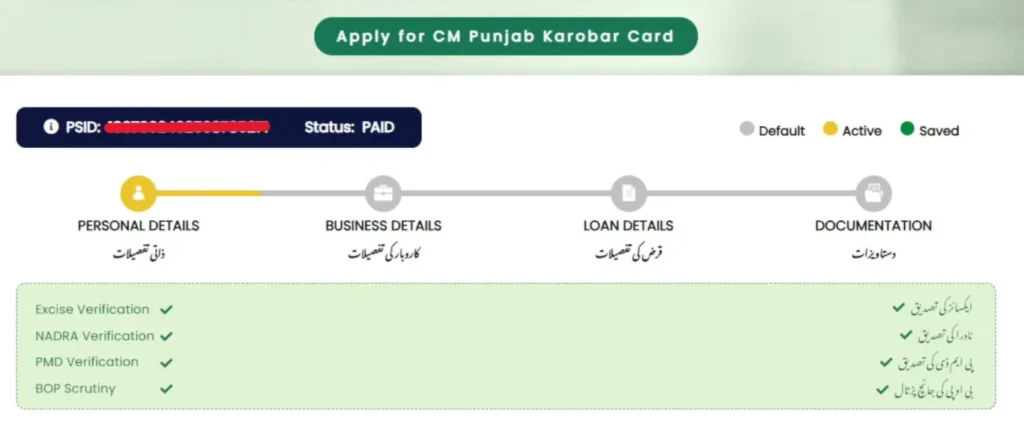
Step 3: Check Application Status
At the top of the application form, you will see your current status.
Status may appear as:
- Under Process
- Verified
- Error Found
Your PSID number may also be visible during the asaan karobar card status check process.
Common Status Messages Explained
During your asaan karobar card status check, you may see different updates:
- Under Process: Application is under review.
- Verified: Your details are approved and loan processing may begin.
- Error: Some information needs correction.
Understanding these messages helps you take quick action if needed.
Common Asaan Karobar Card Verification Errors & Solutions
During asaan karobar card status check, some applicants face verification issues. Below are the most common ones with simple solutions.
1. Vehicle Token Tax Verification Error
This error appears when your vehicle record has unpaid dues or challans.
Solution:
- Visit the excise or e Khidmat center.
- Clear outstanding taxes.
- Recheck your asaan karobar card status check after payment.
2. CNIC Verification Error
This issue occurs when your information does not match the record from NADRA. It can happen if your CNIC is expired or you entered incorrect details.
Solution:
- Double-check your CNIC number, name and date of birth.
- Renew expired CNIC if necessary.
- Update information if edit option is available.
3. SIM Verification Error
This error means the mobile number entered is not registered under your CNIC.
Solution:
- Use a SIM registered on your CNIC.
- Edit your application if possible.
- Contact support if editing is closed.
4. Credit Assessment Error
This issue happens when your financial review is incomplete or you have another loan or bank default.
Solution:
- Wait a few days for review completion.
- Contact Bank of Punjab for clarification.
- Perform another asaan karobar card status check later.
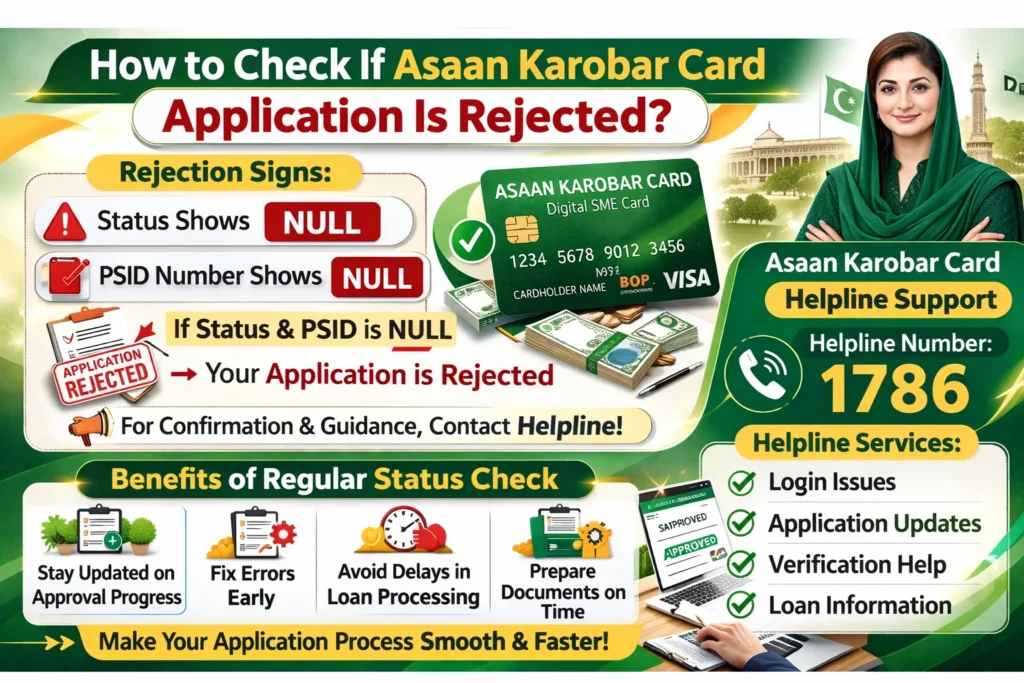
How to Check If Asaan Karobar Card Application Is Rejected
You can confirm rejection through asaan karobar card status check:
Rejection Signs:
- Status shows null
- PSID number shows null
This means your application has been rejected. For confirmation and guidance, contact the official helpline.
Asaan Karobar Card Helpline Support
If you face problems during asaan karobar card login, status checking or verification, you can contact the official asaan karobar card helpline.
Helpline Number: 1786
Helpline services include:
- Login issues
- Application updates
- Verification help
- Loan information
Benefits of Regular Asaan Karobar Card Status Check
These are the benefits of assan karobar card status check:
- Stay updated on approval progress
- Fix errors early
- Avoid delays in loan processing
- Prepare documents on time
This small step can make your application process smooth and faster.
Who Should Apply for Asaan Karobar Program
When registrations reopen, you should apply for asaan karobar program if you are:
- A young entrepreneur planning a new startup
- A small shop owner expanding business
- A freelancer needing business support
- Someone with a strong business idea but limited funds
After applying, remember to perform regular asaan karobar card status check by cnic to track your progress.
Tips for Successful Application Approval
Follow these tips to avoid problems during asaan karobar card status check
- Enter correct CNIC and personal details
- Use a SIM registered on your CNIC
- Keep your CNIC valid
- Clear any government dues
- Review your application carefully before submission
Conclusion
Asaan karobar card status check process is essential for applicants who want to stay updated about their loan application under the asaan karobar card scheme. By using asaan karobar card login, applicants can easily access their dashboard, view verification progress and correct errors quickly.
Understanding common problems such as CNIC verification, SIM issues or credit assessment errors can help you avoid unnecessary delays. If you face any difficulty, the asaan karobar card helpline is available to provide guidance.
The asaan karobar finance program offers a strong opportunity for Pakistani youth and small business owners to grow their businesses through interest-free funding. Regular status monitoring ensures transparency and helps applicants move smoothly toward financial independence.
Frequently Asked Questions
How can I do asaan karobar card status check?
Log in to the official portal using your CNIC and password then open your application form to view the status.
How do I know if my application is approved?
If your status shows Verified and PSID is available, your application is approved.
How do I know if my application is rejected?
If status or PSID shows null, your application is rejected.
Can I edit my application after submission?
You can edit only if the option is still available and personal guarantee form is not submitted.
What should I do if I face an error?
Contact the asaan karobar card helpline (1786) for guidance.
